Understanding Caregiver Access to RPM Portals
Learn how family caregivers can securely access remote patient monitoring (RPM) data to support their loved ones with health needs at home. RPM portals empower caregivers with important insights while prioritizing privacy.
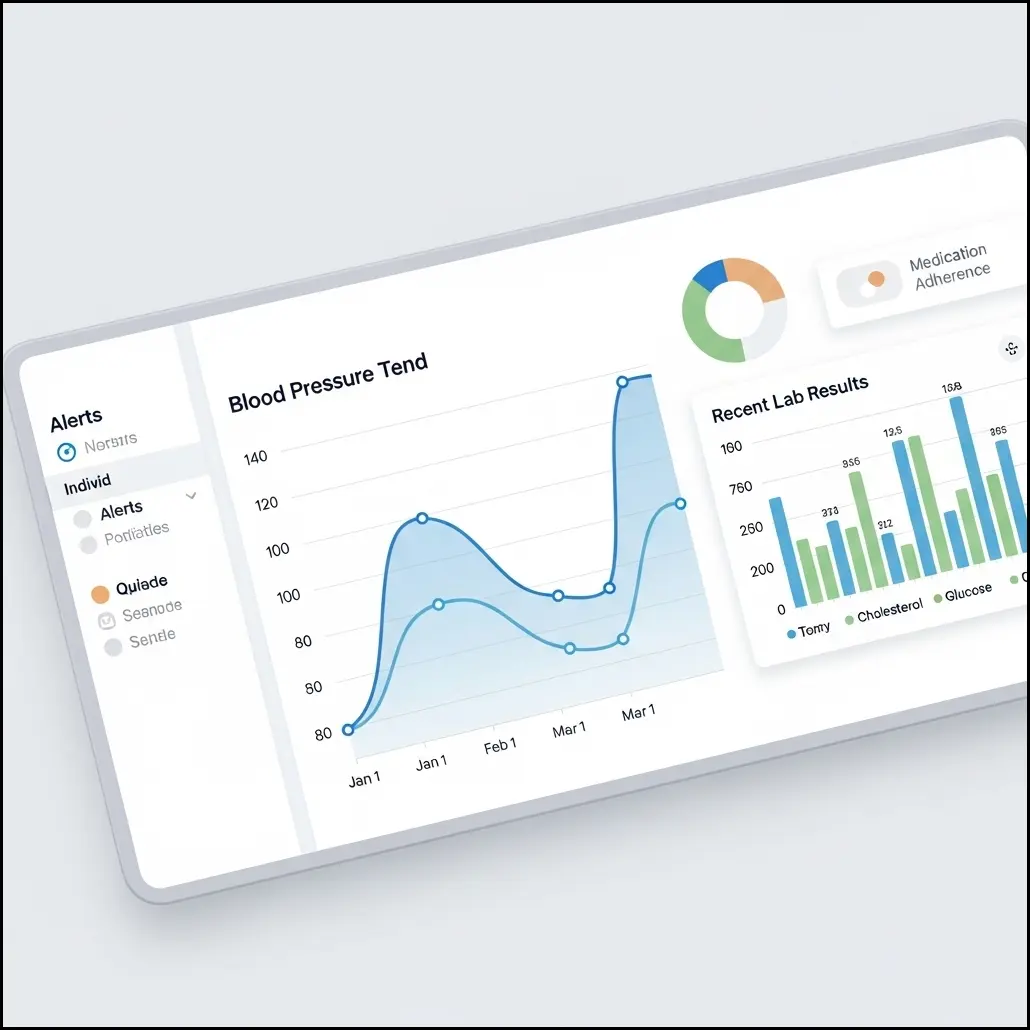
- What caregiver access entails in RPM systems: Caregivers can view health data and receive notifications to stay informed about a loved one’s wellbeing.
- How to set up secure portal logins and permissions: Most systems allow for creating separate caregiver logins and setting access levels, after getting the patient’s permission.
- Benefits of real-time health data access for families: Early awareness of changes can prompt timely action and peace of mind.
- Common privacy considerations and how to address them: It’s important to regularly review and set privacy options together to ensure comfort and security. Learn more about privacy.
Comparison of Caregiver Access Features in RPM Portals
This table compares common features available to family caregivers across popular RPM portal platforms to assist with choosing and using RPM effectively.
| Feature | Benefit | Typical Availability | Notes |
|---|---|---|---|
| Real-time Data Viewing | Allows caregivers to monitor health metrics instantly | Common | May require internet access and device compatibility |
| Alert Notifications | Notifies caregivers of out-of-range readings | Frequent | Alerts can be customized based on patient condition |
| Multi-user Access | Permits multiple family members or caregivers to view data | Varies | Some platforms limit number of users per account |
| Data Export/Reports | Enables sharing reports with healthcare providers | Moderate | Formats include PDF, CSV; depends on portal |
| Privacy Controls | Allows patients to set data sharing permissions for caregivers | Increasingly common | Important for compliance with privacy regulations |
Features listed reflect current typical offerings; availability may vary by RPM provider and plan.
Sources: Caregiver Access to RPM Portals Guide, What is RPM & How it Works
Helping a Parent Succeed with Remote Patient Monitoring
Effective support from family members can make daily RPM use smoother for seniors. Here’s how to assist your loved one for better health outcomes:
- Guiding seniors through device setup and use: Walk through device instructions together, ensuring your parent feels comfortable.
- Helping interpret readings and when to seek help: Discuss what the numbers mean and clarify when to call a healthcare provider.
- Establishing routines to encourage consistent device use: Set routine times for measurements, like after breakfast, to build habits.
- Communicating with healthcare providers using collected data: Use portal data to inform medical appointments and questions. Getting started with RPM can help you begin this process.
Top Family Caregiver RPM Tips for Maximizing Success
Maximize the benefits of RPM for your loved one with these practical caregiver strategies:
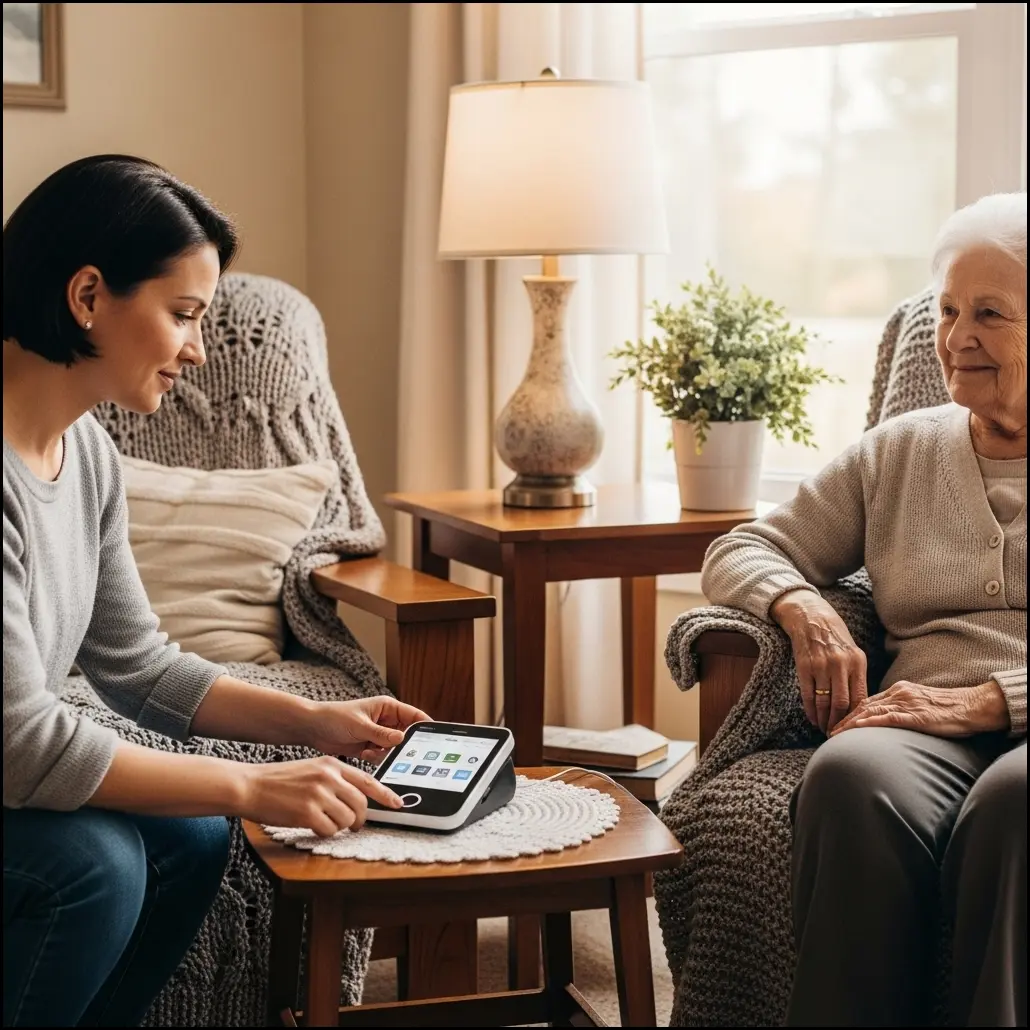
- Setting up reminders and scheduling checks to ensure compliance: Use alarms or calendar notifications to prompt routine measurements.
- Using portal notifications to stay informed about health changes: Enable alerts for quick response to out-of-range readings.
- Encouraging senior independence while offering support: Let your loved one take the lead when ready, and offer guidance as needed.
- Tracking health trends with simple notes or logs: Maintain a notebook or digital log to supplement portal data, which helps during doctor’s visits.
More caregiving tips can be found on our blog.
Navigating Technical Challenges and Privacy Concerns
Technology and privacy are important aspects of RPM caregiving. Here’s how to address potential issues and support comfort with digital tools:
- Troubleshooting common device and portal access problems: Restart devices, check Wi-Fi, and contact support when needed.
- Balancing ease of use with strong privacy protections: Choose settings that are both easy for your parent and properly secured. Read our privacy policy.
- Understanding HIPAA basics and patient data rights: Learn about your parent’s information rights via the U.S. Department of Health & Human Services (HHS).
- Supporting seniors uncomfortable with technology: Offer patient, step-by-step help and reassurance that their privacy is protected.
Collaborating with Healthcare Providers Using RPM Data
Cohesive teamwork with doctors leads to better results. RPM data helps you tell the full story:
- Sharing RPM portal data during doctor visits or remotely: Bring exported reports or share direct portal access with your healthcare team.
- Preparing notes and questions based on RPM readings: Highlight trends, symptoms, or changes to discuss during appointments.
- Recognizing signs from data that need professional attention: If the portal shows repeated abnormal values, contact your provider promptly.
- Building a proactive care plan with providers using RPM insights: Regular RPM reviews inform care adjustments and support long-term wellness. Learn how RPM works in care planning.
Planning for Long-Term RPM Success and Independence
Supporting your loved one’s independence and your own peace of mind means preparing for the future of care together:
- Regularly reviewing and updating care goals together: Schedule family check-ins to talk about health goals and RPM use.
- Encouraging seniors’ routine engagement with devices: Motivate your loved one to continue daily use for long-lasting health benefits.
- Training new family members or caregivers to use RPM systems: Share tips, login instructions, and privacy settings with new helpers.
- Setting expectations for evolving care needs over time: Prepare flexible plans to adapt as health circumstances change. Useful tips on RPM device choices are at this guide.
For more suggestions and personal experiences, visit AARP’s caregiving resources.
Frequently Asked Questions (FAQs)
- How can I get access to my senior parent’s RPM portal data?
- Access to your loved one’s remote patient monitoring portal usually requires their permission and setup by the healthcare provider or RPM service. They may need to authorize you as a caregiver, often by creating a guest login or sharing credentials. It’s important to discuss privacy preferences with your parent to ensure they feel comfortable. If unsure, contact the RPM provider’s support for guidance on caregiver access options.
- What should I do if my parent struggles to use their RPM device daily?
- If a senior struggles with using an RPM device, try simplifying the routine by setting reminders or helping with device setup. Encourage small steps toward independence, like placing devices in easy-to-reach spots and showing how to operate them slowly. If frustration persists, consider scheduling periodic check-ins or involving another family member or caregiver to share support duties.
- Are there common features I should expect in caregiver RPM portals?
- Caregiver RPM portals often include real-time data viewing, alert notifications for abnormal readings, multi-user access, options to export reports, and customizable privacy controls. These features help families monitor health and share information with medical professionals efficiently. Availability varies by platform, so check your provider’s specific offerings for best results.
- How do RPM portals protect patient privacy and data security?
- RPM portals commonly use secure logins, encryption, and strict access permissions to protect patient data. Patients or seniors typically control who can view their information, maintaining privacy. Caregivers should follow best practices like using strong passwords and avoiding shared devices. Understanding HIPAA and the provider’s privacy policies can also help keep data secure.
- What technical issues should I expect when helping with RPM devices and portals?
- Technical challenges can include difficulties syncing devices, login problems, poor internet connectivity, and software updates. Troubleshooting steps often include restarting devices, verifying Wi-Fi connections, and contacting technical support. Patience and basic tech familiarity help caregivers assist seniors confidently.
- How can I use RPM data to communicate effectively with healthcare providers?
- Prepare for appointments by organizing RPM readings and any notes about symptoms or changes you’ve observed. Share portal reports or exports if possible. Highlight trends or alerts that concern you so providers can address them promptly. This proactive communication helps doctors tailor care plans based on comprehensive health information.
- Can multiple family members access the same RPM portal?
- Many RPM platforms support multi-user access, allowing several family members or caregivers to view health data. However, the number of users and access levels might be limited depending on the provider. Coordination among family members helps avoid confusion and ensures consistent support for the senior.
- What privacy settings should seniors consider when sharing RPM data?
- Seniors should review who can see their data and what level of access each person has. They might restrict some information to trusted caregivers or healthcare providers only. It’s helpful to discuss comfort levels openly and adjust settings accordingly within the RPM portal to maintain control over personal health information.