Understanding High Blood Pressure at Home
Learn what high blood pressure means, why it matters, and how to recognize it from the comfort of home.
- High blood pressure, or hypertension, is common in seniors and often shows no symptoms.
- Regular home monitoring helps catch dangerous spikes early before emergency care is needed.
- Accuracy of readings depends on proper cuff placement and resting before measurement.
- Home blood pressure monitoring supports ongoing doctor assessments and personalized care.
- RPM (remote patient monitoring) technology allows automatic data sharing with healthcare teams.
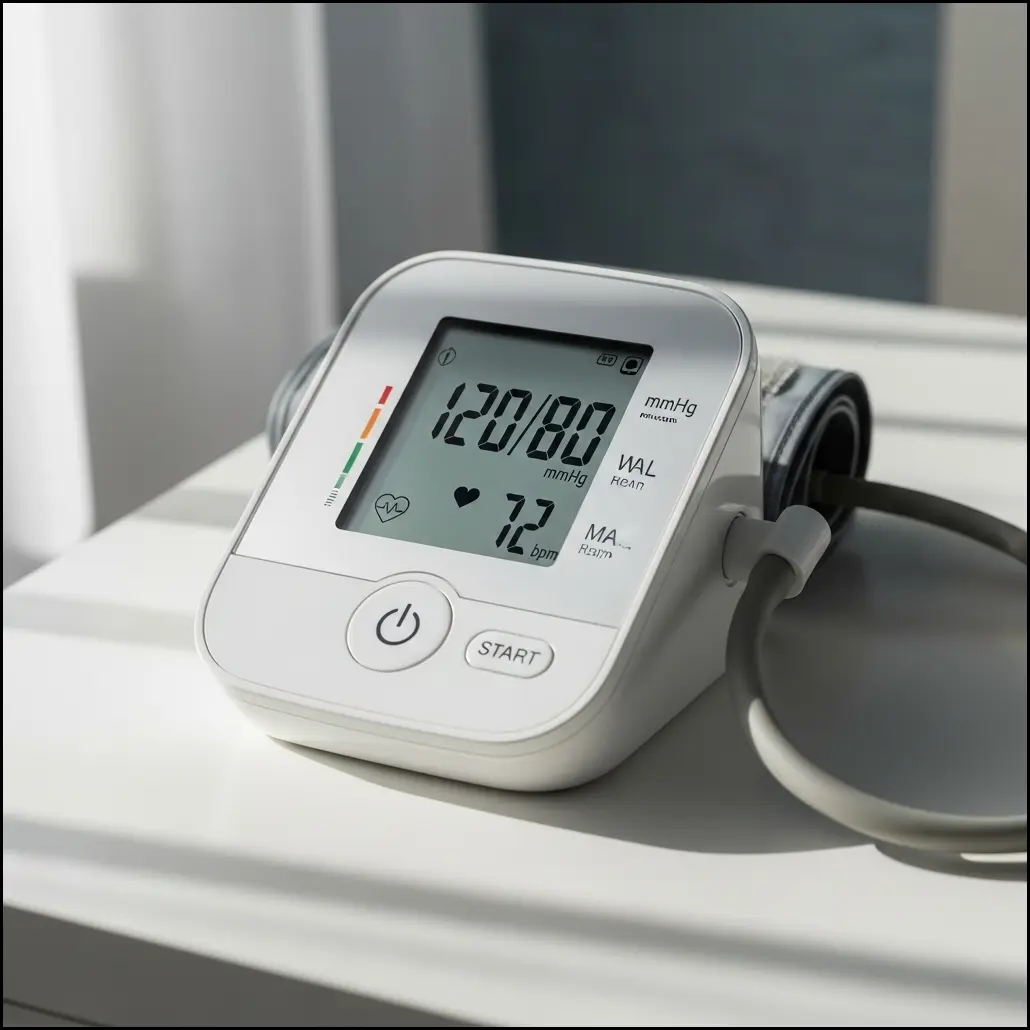
For more on blood pressure basics, see the CDC’s blood pressure facts.
How Remote Patient Monitoring (RPM) Works for Blood Pressure
Explore the technology behind RPM and how it seamlessly supports blood pressure management at home.
- RPM devices automatically measure and transmit blood pressure data to healthcare providers.
- Sensors and cellular or Bluetooth connections reduce manual tracking errors.
- Healthcare teams review data regularly to adjust treatments quickly if needed.
- Caregivers and family members can have monitored access to real-time readings.
- RPM reduces the need for in-person visits and emergency room trips.
Curious about how RPM actually works? Read our guide to remote patient monitoring here.
Comparison of Common Blood Pressure Monitoring Methods for Seniors
A side-by-side look at traditional clinic measurements, manual home monitoring, and remote patient monitoring (RPM) for senior hypertension management.
| Method | Accuracy | Convenience | Cost | Risk of Missing Critical Events | Family/Caregiver Involvement |
|---|---|---|---|---|---|
| Clinic Measurement | High when done by professionals | Limited to appointments | $$$ (per visit, transportation costs) | Moderate (only during visits) | Low (family not involved directly) |
| Manual Home Monitoring | Moderate (depends on technique) | Daily use possible but depends on patient effort | $ (device cost only) | High (may miss trends without alerts) | Moderate (family may review logs) |
| Remote Patient Monitoring (RPM) | High (automatic transmission & review) | Very convenient with automatic data sharing | $$ (device plus program, often Medicare covered) | Low (alerts healthcare team promptly) | High (family/caregiver can access real-time data) |
Cost estimates: ‘$’ = approx. $50-100 initial (device), ‘$$’ includes monthly program fees; ‘$$$’ includes clinic copays and transport. Risk and involvement ratings are qualitative. For more on high blood pressure screening, visit AARP’s monitoring tips.
Benefits of RPM for Seniors Managing Hypertension
Understand the key advantages of using RPM for effective high blood pressure control in seniors.
- Provides peace of mind to seniors and their families through continuous monitoring.
- Helps detect early signs of blood pressure elevation or irregularities to avoid emergencies.
- Enhances medication adherence by syncing with care teams and alert systems.
- Supports independence by enabling seniors to self-monitor without frequent clinic visits.
- May lower healthcare costs by preventing costly emergency room visits and hospitalizations.
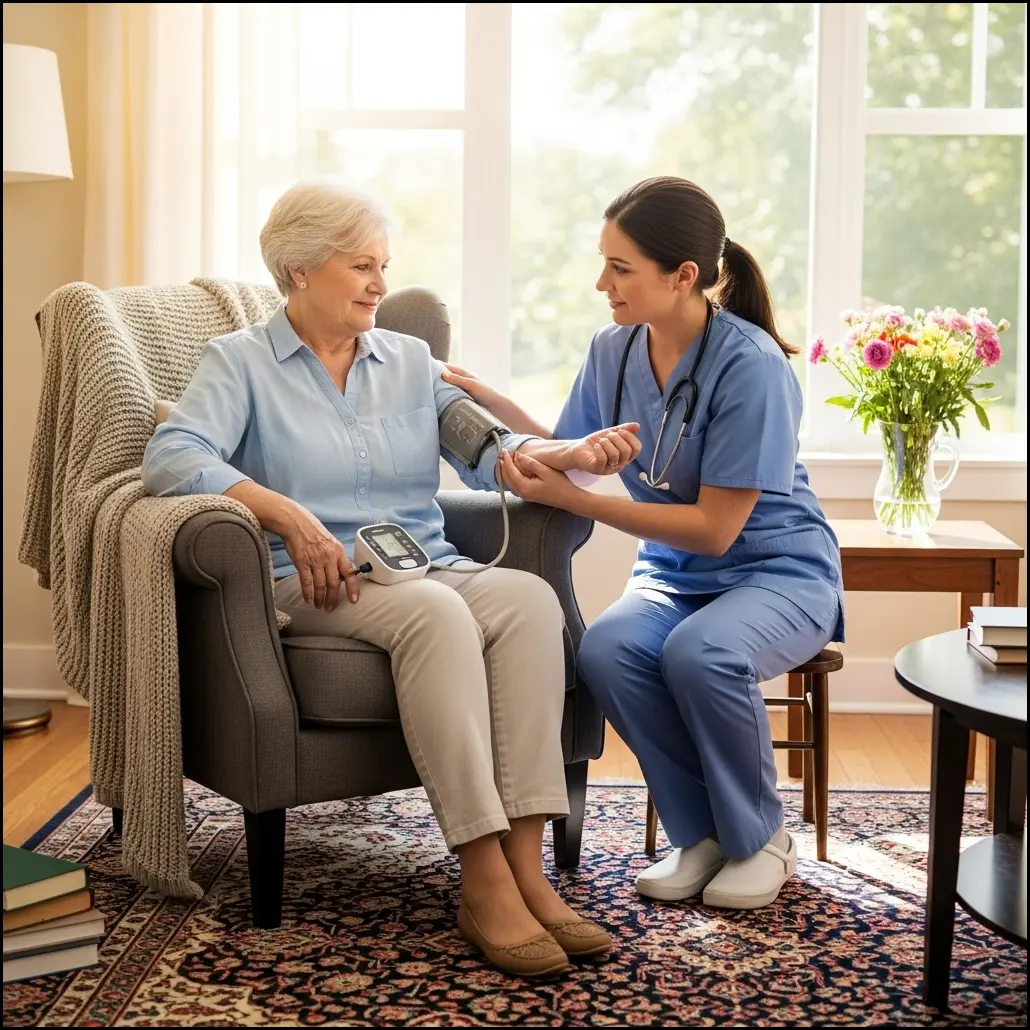
Learn how caregivers can help by visiting our RPM family access guide.
Choosing the Best Blood Pressure Monitor for Medicare RPM
Tips on selecting user-friendly, reliable devices covered by Medicare for effective RPM use.
- Look for FDA-cleared monitors designed specifically for seniors with clear displays and simple controls.
- Verify device compatibility with RPM programs that work via cellular or Bluetooth connections.
- Consider Medicare coverage options to minimize out-of-pocket costs for devices.
- Choose products that integrate easily with healthcare providers’ monitoring platforms.
- User comfort and ease of setup are key for consistent daily use.
Find more on which devices work best and whether you need a smartphone in our RPM device guide.
Tips for Using RPM to Avoid Emergency Room Visits for Hypertension
Practical strategies seniors and caregivers can apply to prevent dangerous blood pressure events at home.
- Take readings at recommended times daily to establish consistent monitoring patterns.
- Keep a log or use RPM apps to track trends and share with healthcare teams.
- Respond promptly to device alerts or unusual readings with provider guidance.
- Maintain lifestyle habits that support blood pressure control like diet, exercise, and medication adherence.
- Educate family members on signs that require urgent medical attention beyond RPM monitoring.
Getting Started with RPM: What Seniors and Caregivers Should Know
Steps and considerations to begin remote blood pressure monitoring confidently and effectively.
- Consult your healthcare provider to enroll in an RPM program and get device recommendations.
- Receive training on correct cuff placement and device use to ensure accurate readings.
- Set up caregiver or family access for shared monitoring and support.
- Understand how to interpret alerts and communicate with care teams between appointments.
- Check insurance coverage details including Medicare benefits and potential costs.
Visit our RPM getting started resource for actionable steps and training tips.
Common Challenges and Solutions in Home Blood Pressure RPM
Identify typical obstacles seniors face with RPM and practical advice to overcome them.
- Technical difficulties can arise; seek simple, reliable devices and easy-to-follow guides.
- Forgetfulness to take readings may require reminders or caregiver assistance.
- Poor internet or cellular signals need devices designed for low connectivity areas.
- Device discomfort or incorrect cuff size can affect readings; ensure proper fit and usage.
- Keep regular communication with your healthcare team to resolve issues early.
For technical assistance or training, ask your provider or trusted family members for help. Further RPM troubleshooting resources can be found at NIA’s chronic condition resources.
Frequently Asked Questions (FAQs)
- What is remote blood pressure monitoring for seniors?
- Remote blood pressure monitoring (RPM) for seniors uses devices that measure blood pressure at home and automatically send readings to healthcare providers through cellular or Bluetooth connections. This continuous monitoring helps doctors track changes and adjust treatment without requiring frequent clinic visits.
- How does RPM help avoid emergency room visits for hypertension?
- RPM can help avoid ER visits by providing early alerts to your healthcare team if blood pressure readings rise to dangerous levels. This enables timely intervention like medication adjustments or lifestyle recommendations that lower the risk of emergencies.
- What features should I look for in the best blood pressure monitor for Medicare RPM?
- Look for a device that is FDA-cleared, easy for seniors to use with a large clear display and simple controls, and compatible with Medicare-covered RPM programs. Devices with cellular connectivity are usually preferred for automatic data transmission without smartphones.
- Is RPM covered by Medicare and what costs should I expect?
- Many Medicare plans cover RPM devices and monitoring services when prescribed by a provider, often with limited or no copays. Costs can vary, so check your Medicare coverage details. Device costs typically range from $50-$150, with some programs including monthly fees.
- How often should seniors take blood pressure readings with RPM?
- Seniors are usually advised to take readings at least once or twice daily, often morning and evening. Consistent timing helps identify trends and unusual spikes. Follow your healthcare provider’s instructions for the best schedule.
- Can family members or caregivers access RPM data?
- Yes, many RPM systems allow authorized family members or caregivers to access real-time blood pressure data through secure portals. This helps them provide timely support and stay informed about the senior’s health status.
- What if I have trouble using the RPM device or technology?
- Common challenges include setup difficulties or remembering readings. Choose devices designed for seniors with simple interfaces. Ask for training from your healthcare provider and involve caregivers to assist. Reliable customer support from device providers is also helpful.
- Does RPM work without a smartphone?
- Yes, some RPM blood pressure monitors use cellular technology that sends data directly to providers without smartphones. This is ideal for seniors who do not use or prefer to avoid smartphones.